Standalone AI Coding Agent
Meet Synthcoda — a graphical AI coding agent. The current beta version supports models on OpenRouter and Z.ai’s GLM coding plans.
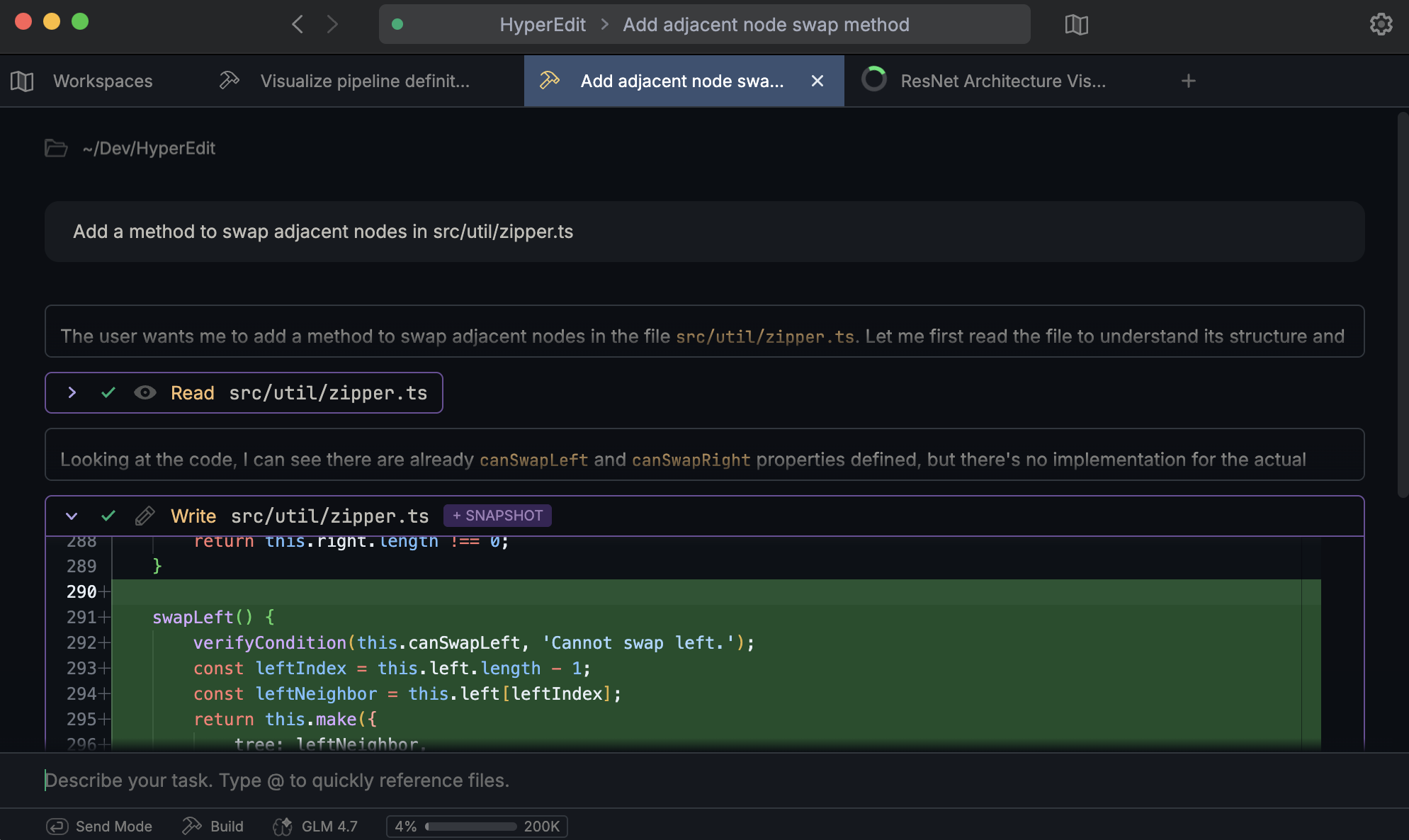
↑ Each tab in Synthcoda is its own peristent session that runs independently.
Lightweight Snapshots
Synthcoda includes a built-in snapshot system that automatically backs up files before the agent makes changes to them.
This reduces the risk of experimentation, whether or not a folder is under version control.
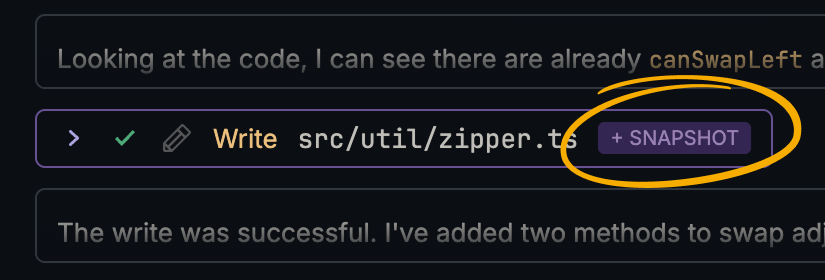
↓ The built-in time machine UI lets you easily compare versions and restore earlier states.
Graph Visualizations
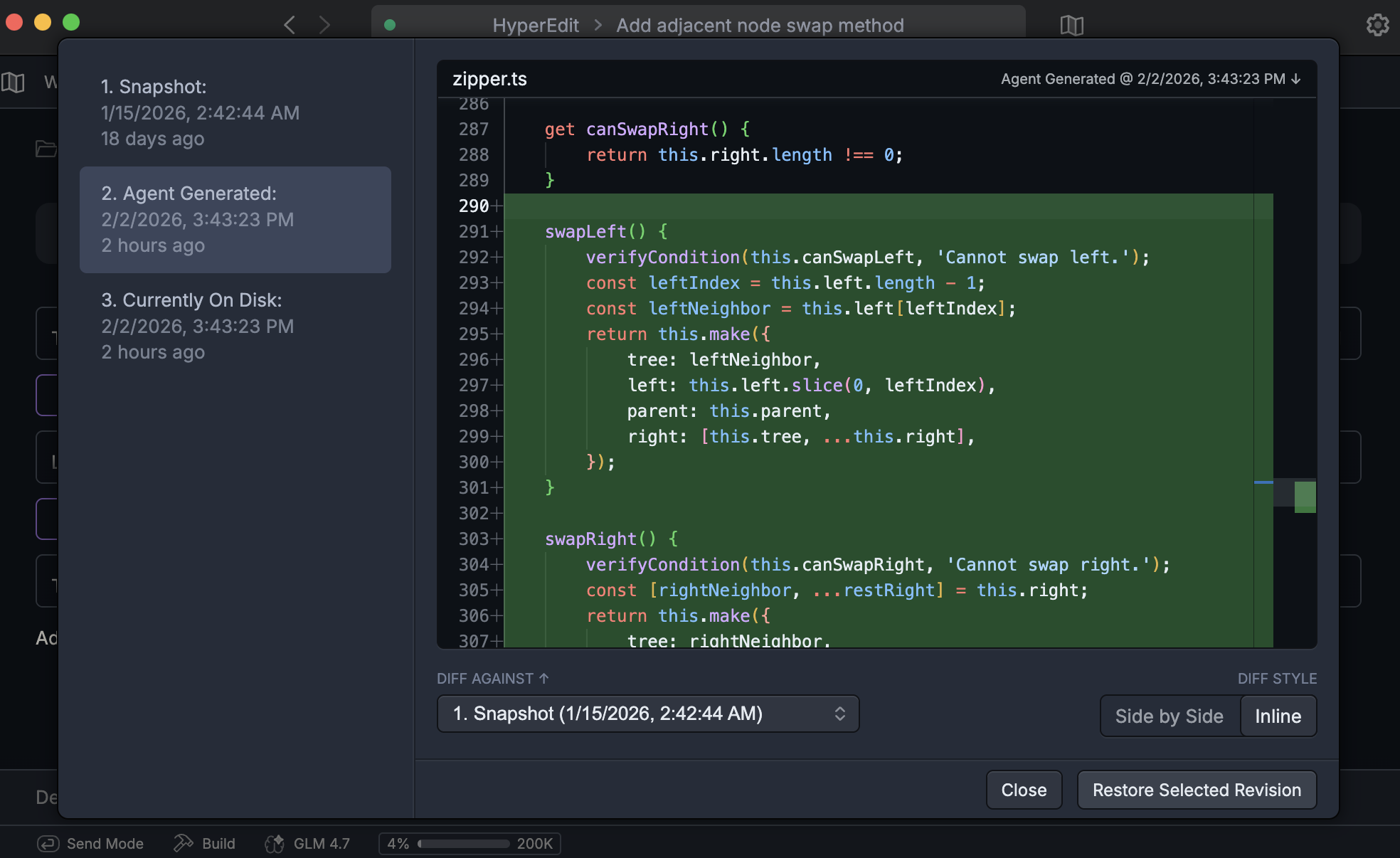
You can ask the agent to turn complex information into graphs — such as code structure, data flow, or model architectures—to make relationships easier to understand.
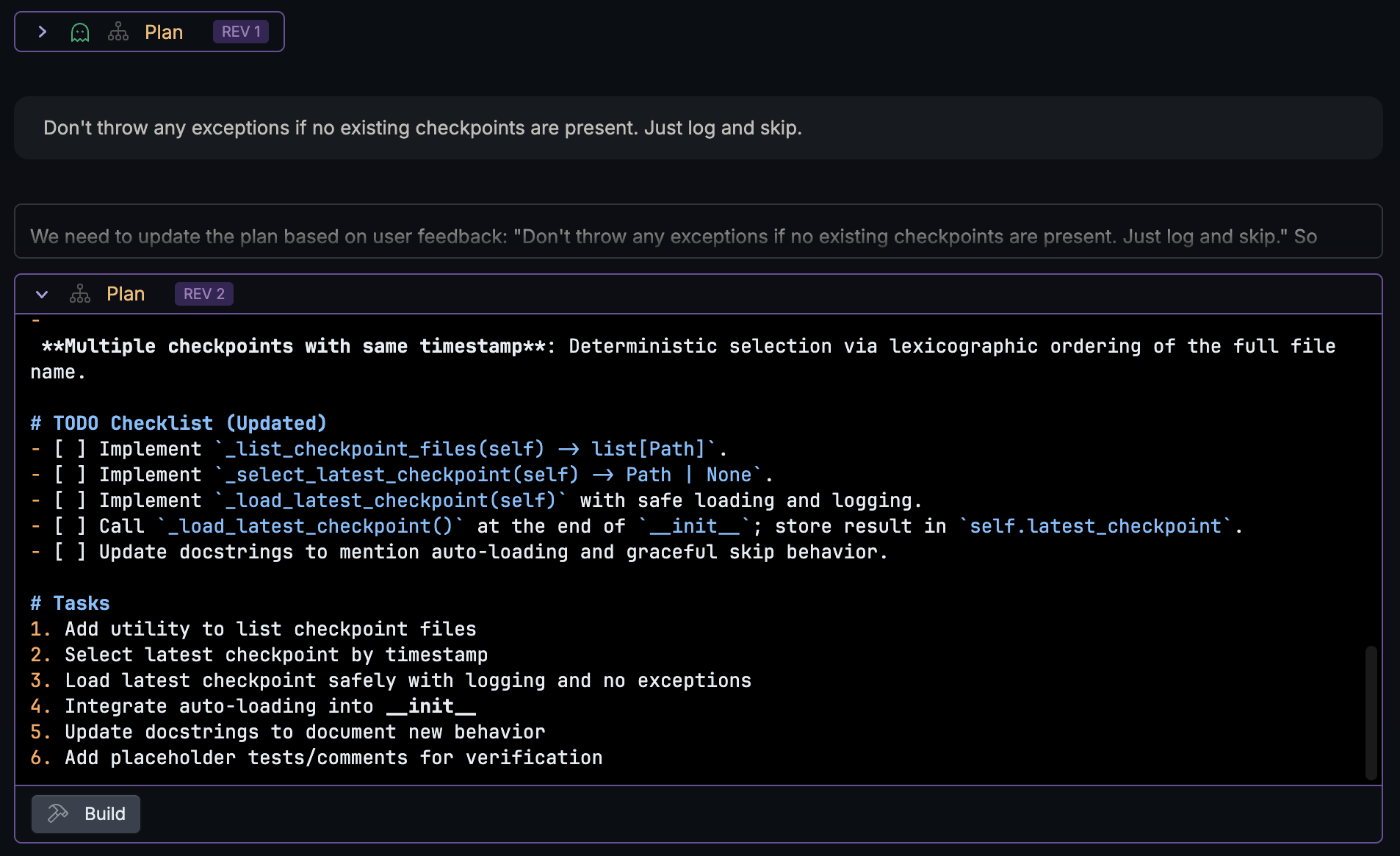
Plan Mode
Before making changes, you can review the agent’s proposed plan. Edit and refine the plan until it looks right, then let the agent execute it.
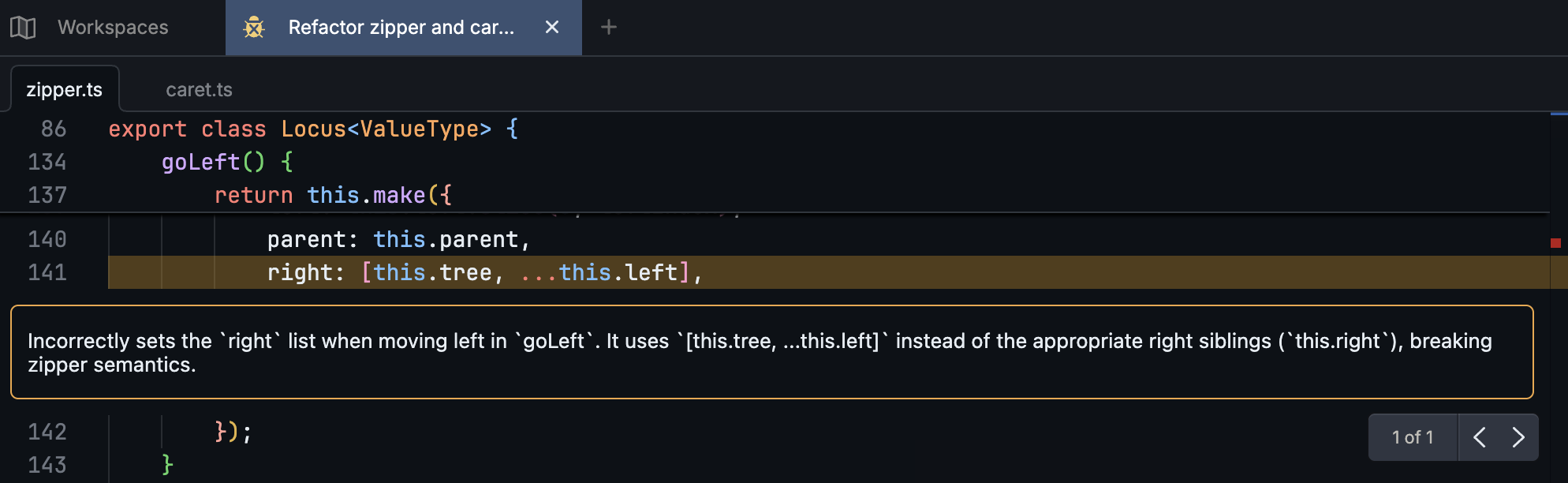
Review Mode
Ask the agent to review any set of files — not just pull requests. Feedback is shown inline in a built-in code viewer, so comments stay close to the referenced code.
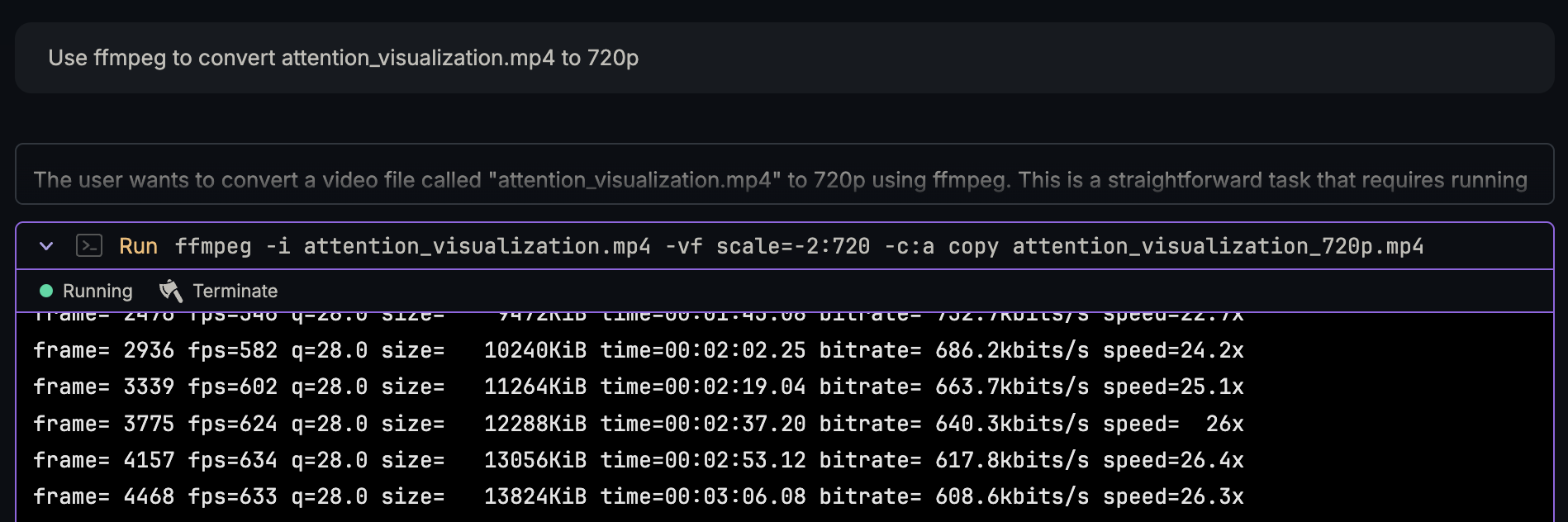
Beyond Coding
While Synthcoda is built for coding, it’s also useful for many adjacent tasks—running command-line tools, transforming files, or automating one-off jobs.
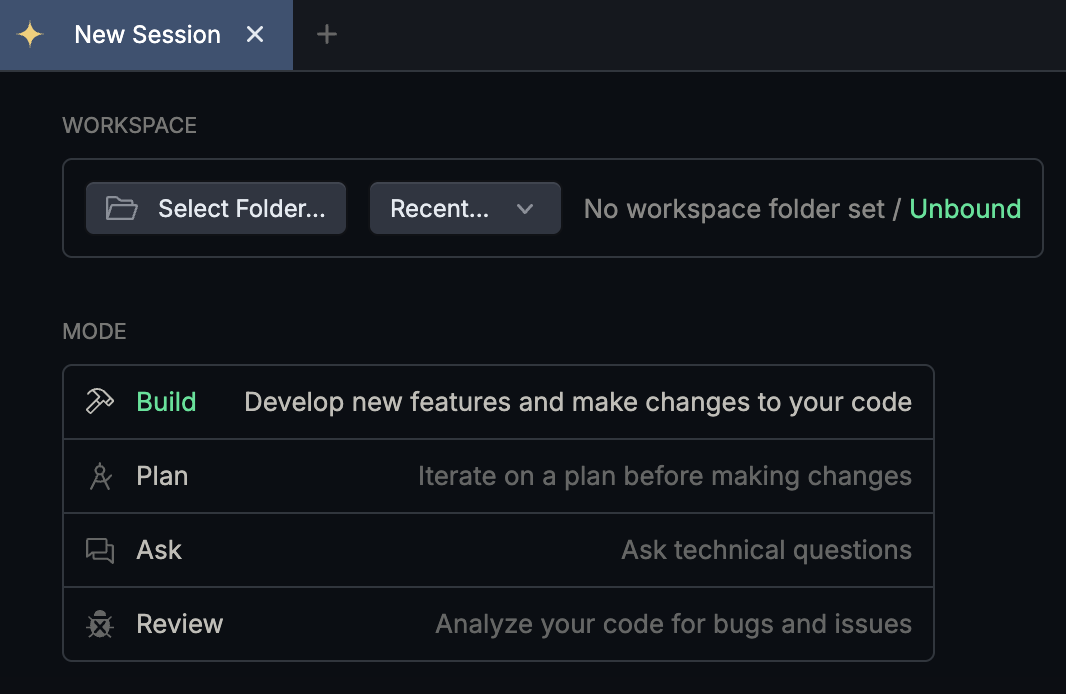
Work Without a Project
Unbound workspaces are for quick questions, scratch work, or experiments. They let you interact freely with the agent without attaching it to a specific project folder.
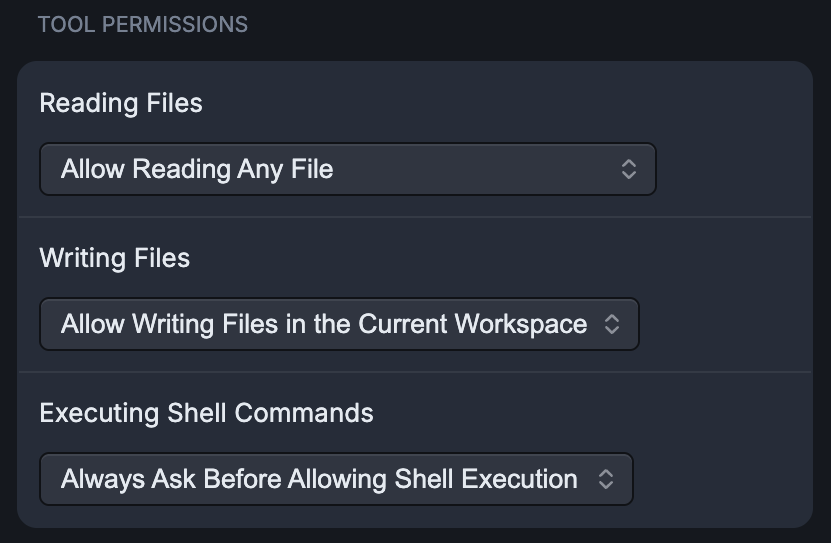
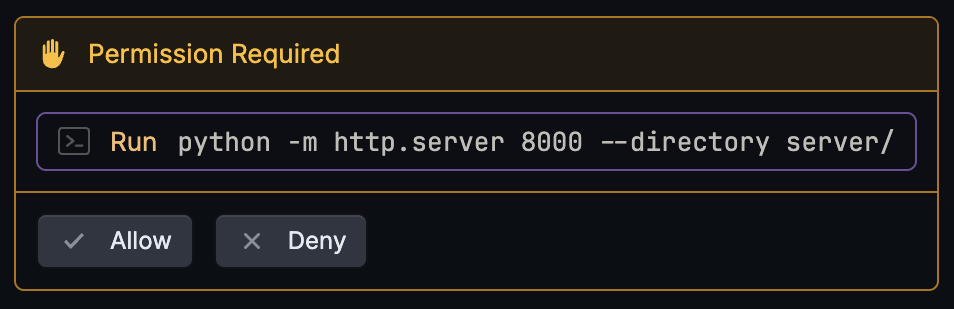
Customizable Permissions
Synthcoda includes a simple permission system that lets you control when the agent needs explicit approval before taking action.
A Thoughtfully Crafted UI
Synthcoda includes many small UI details that make it pleasant to use, including:
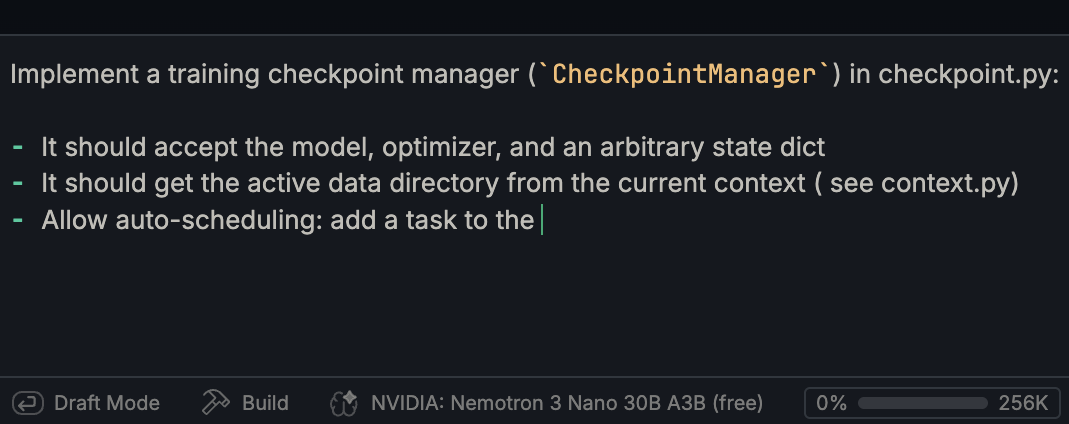
↓ Draft mode, so pressing Enter won’t send a message before you’re ready.
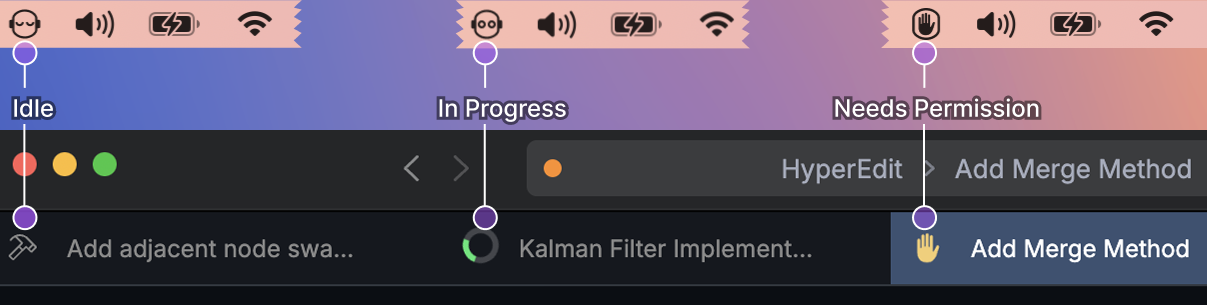
↓ Clear status indicators showing which sessions are running, finished, or need attention
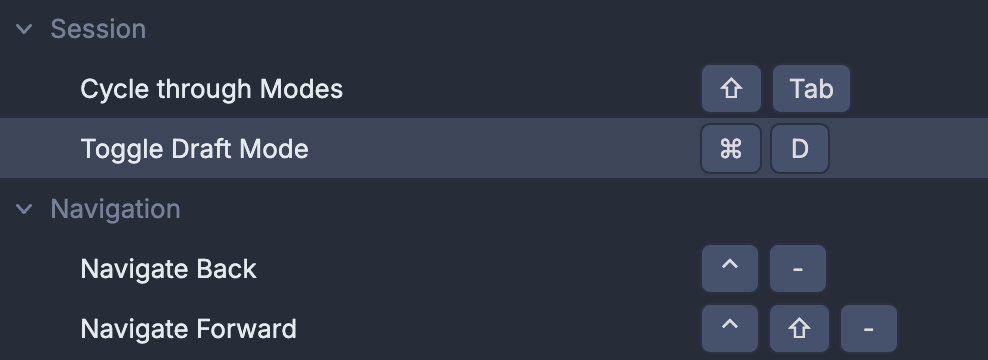
↓ Customizable keyboard shortcuts
AGENTS.md support
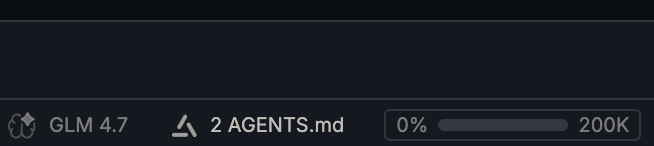
↑ Synthcoda automatically detects AGENTS.md files in the workspace, any parent directory, or a global location such as ~/.synthcoda/AGENTS.md, and applies the instructions they contain.
Get in touch
Email us at contact@nightcraft.dev or Join us on Discord.